
Learn languages through conversation.
Language apps and AI voice assistants will offer more opportunities to practise: clear feedback, relevant conversations and learning at your own pace.
For language learners

I'm Pengusto. I build products,
tools and automations.
Learning studio · early development
Write code. Draw ideas.
Try the demoDemo for testing. Classroom use requires a licence.
// Turtle
for (let i = 0; i < 80; i++) {
  forward(6 + i * 2);
  right(97);
}Kaplum Studio is a visual JavaScript studio for kids learning to code. They pick a drawing, see code and result side by side, understand every parameter and change it themselves. I already use it in my classes.
Demo for testing. Classroom use requires a licence.
Ask about a classroom licence →View source ↗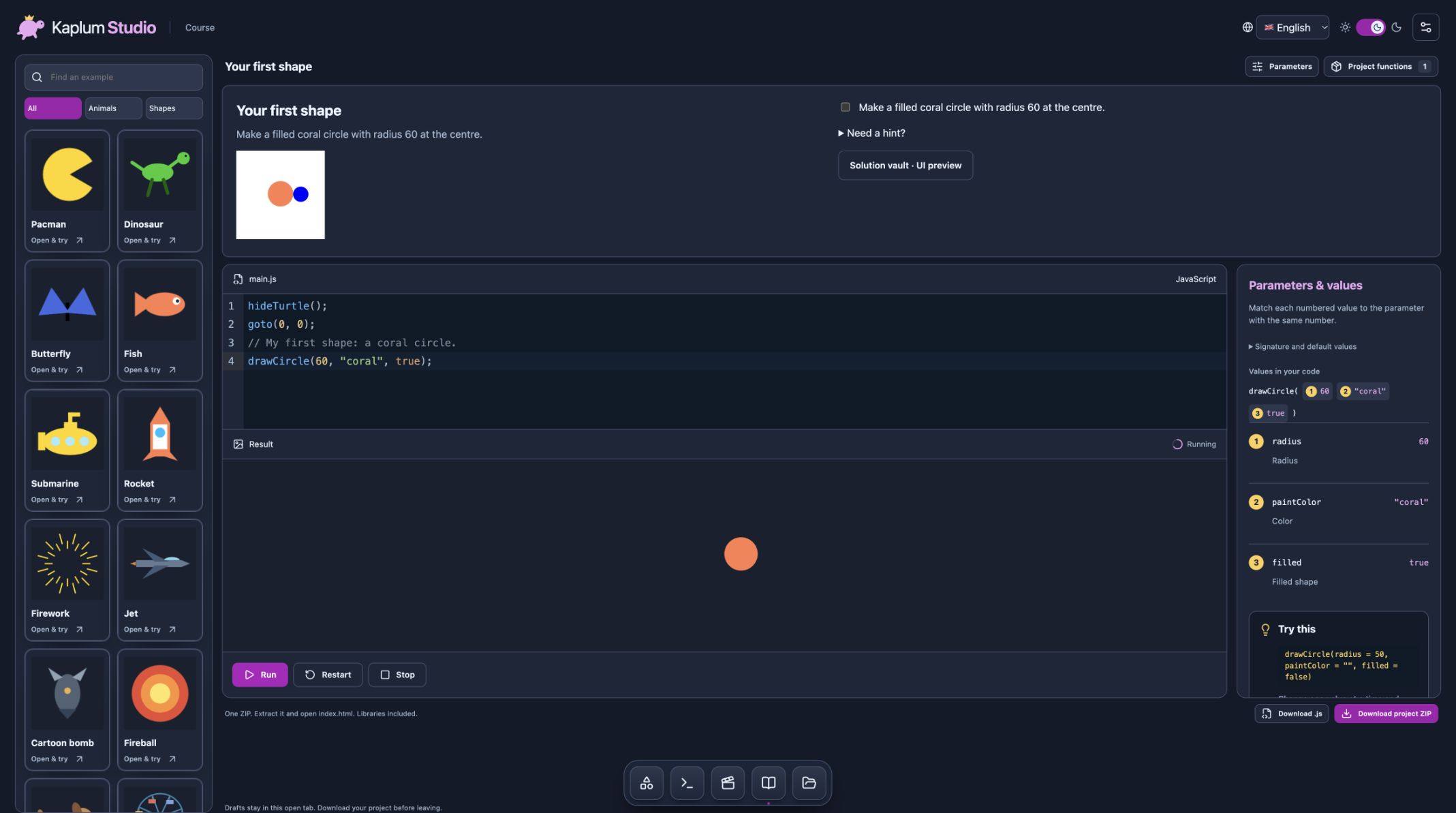





I build independent software, develop tools and create automations that simplify workflows.
About Pengusto →Learning projects remain part of it.
Language apps and AI voice assistants will offer more opportunities to practise: clear feedback, relevant conversations and learning at your own pace.
For language learners
Interactive learning assistants will offer different explanations, encourage reflection and help learners take the next step. The goal is to build understanding.
For learners and educators
From December 2026, I plan to teach regular GenAI courses for kids: understanding AI, applying it and building small AI agents of their own. Course materials are in development and are not publicly available yet.
For kids and education programmes
Teaching programming and game development shapes my ideas: what makes kids curious? When do they need a different approach? These questions guide the next products and courses.
Explaining, practising conversation and giving useful feedback are the intended roles for AI. Age-appropriate design, privacy and helping learners understand AI's limitations are part of the development goals.
I already use Claude for development. Next, I plan to integrate the API into learning products and courses where kids can explore AI, use it and build small agents of their own.
Status: Claude used for development · API integration planned · regular GenAI courses planned from December 2026
Kaplum Studio is available as a demo for testing; classroom use requires a licence. Language learning and AI learning support are planned, and GenAI courses are in development. For ideas and potential collaborations: hello@kikaio.de.
Questions, feedback or collaboration?
hello@kikaio.deIndependent product · Open source
Less going in circles. More getting things done.
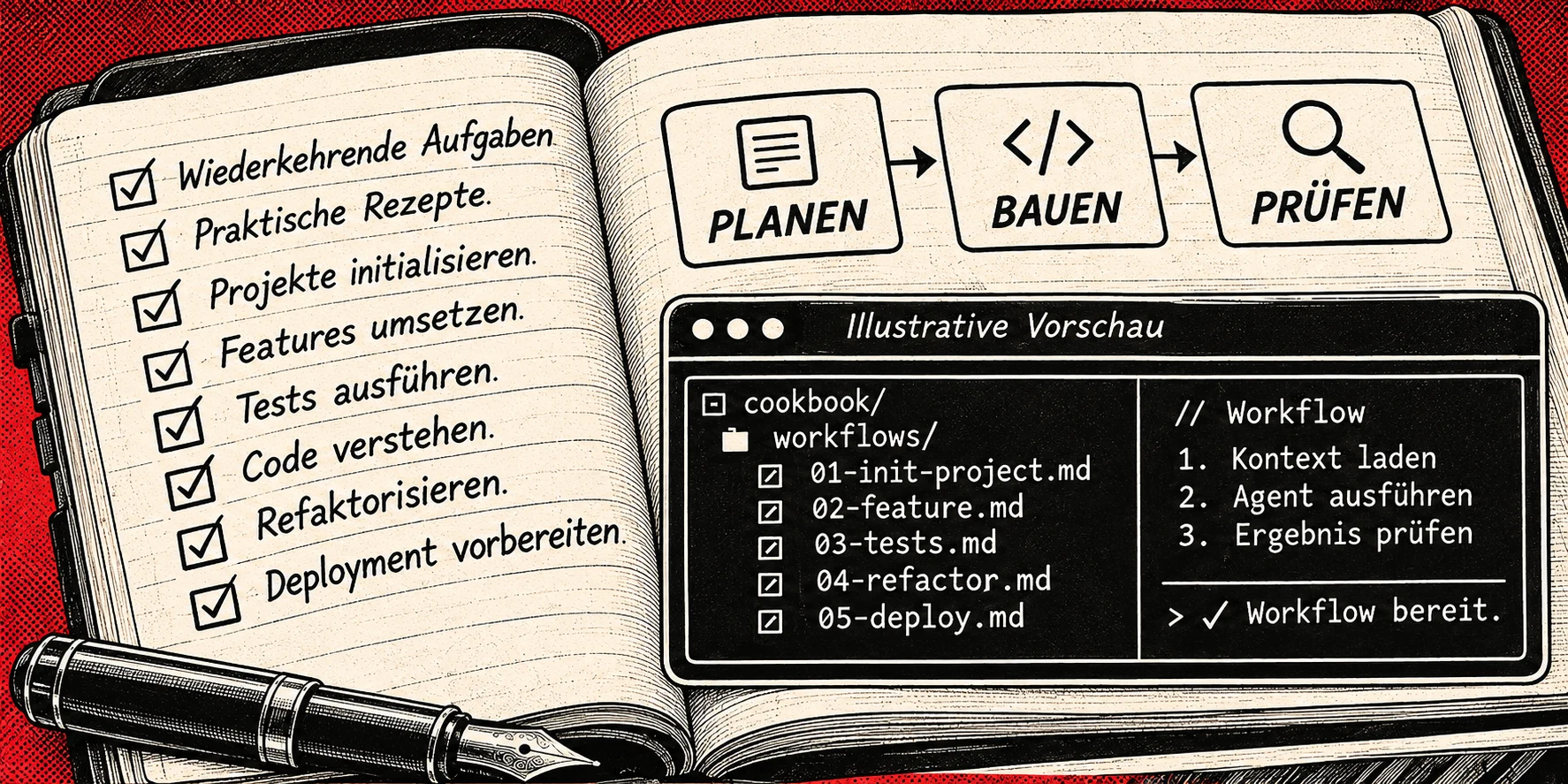
Twenty focused workflows for Codex and Claude Code. From the first project idea through reviews to a clear handoff — one maintained source, with Plain or Kitchen names.
Experimental public Beta 0.7.3 · product illustration, not a screenshot
An agent handles reversible decisions independently. You decide where it matters.
Check what your working tree and Git history still contain before a public release.
Prepare a repository so others can understand it, run it and use it well.
Turn a task description into a complete, verified change.
Turn an idea into a small, verifiable project start.
Check whether the current work still serves the agreed goal.
Reconstruct the original goal and evidenced work status.
Review product behaviour, promises and applicable obligations.
Write release notes from verified changes rather than commit rhetoric.
Finish a working session or pause with a clear handoff.
Two examples of my web development.
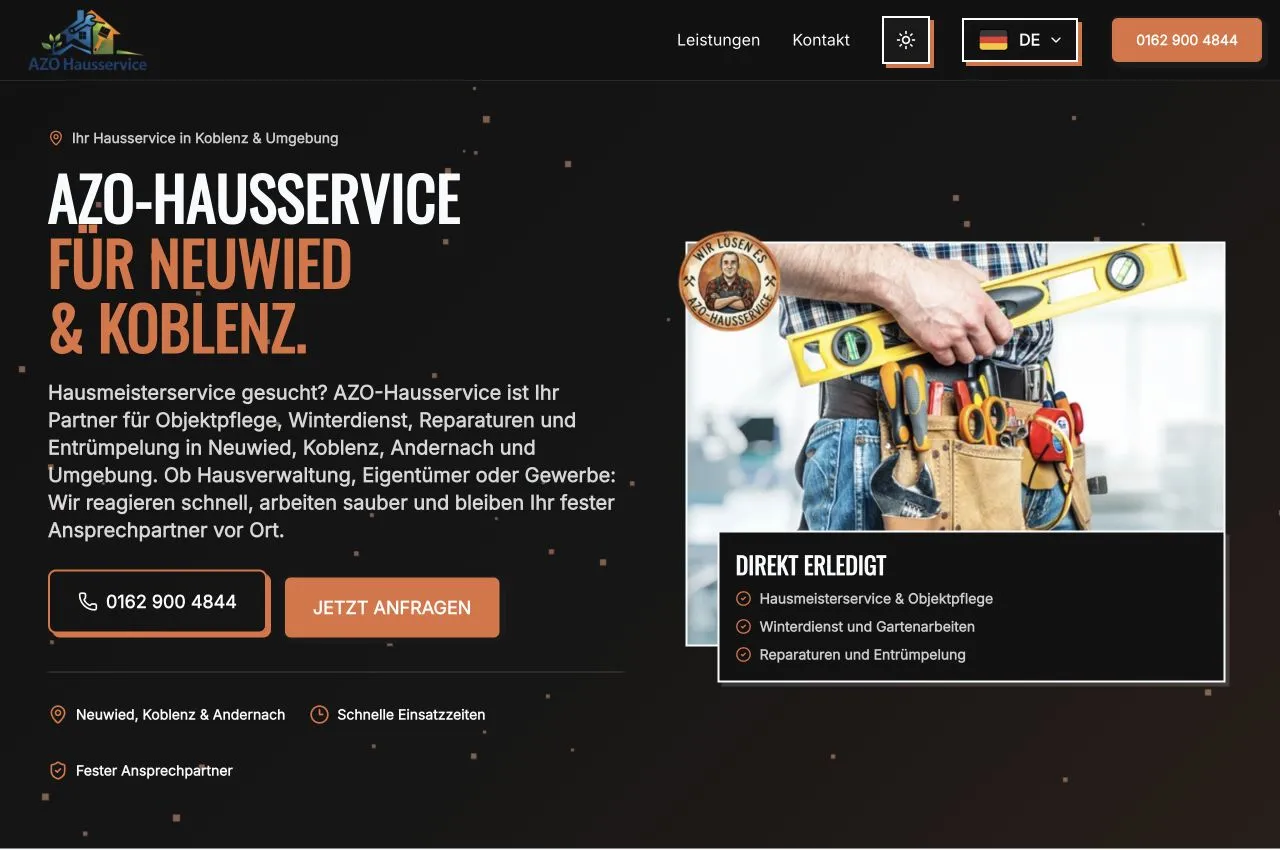

A visual website for wedding hosting and entertainment.
View projectWorking together
Some tasks need a developer, some need a critical review, and others need someone who can explain things clearly.
Discuss your ideaWebsites, technical SEO and digital tools. Clarify requirements, choose a suitable solution and build it step by step.
Integrate agents into useful workflows, maintain repositories and make changes easy to follow through pull requests.
I teach kids programming and game development. We experiment together, understand the basics and build ideas of our own.
The person behind kikaio
I build products, tools and automations. Coding agents help me turn ideas into software. Like Factorio: connect parts, find bottlenecks, keep building. My learning projects and programming classes remain part of that work.
I maintain my own open-source projects and work through pull requests. Clear documentation, traceable changes and relevant checks are part of the process.